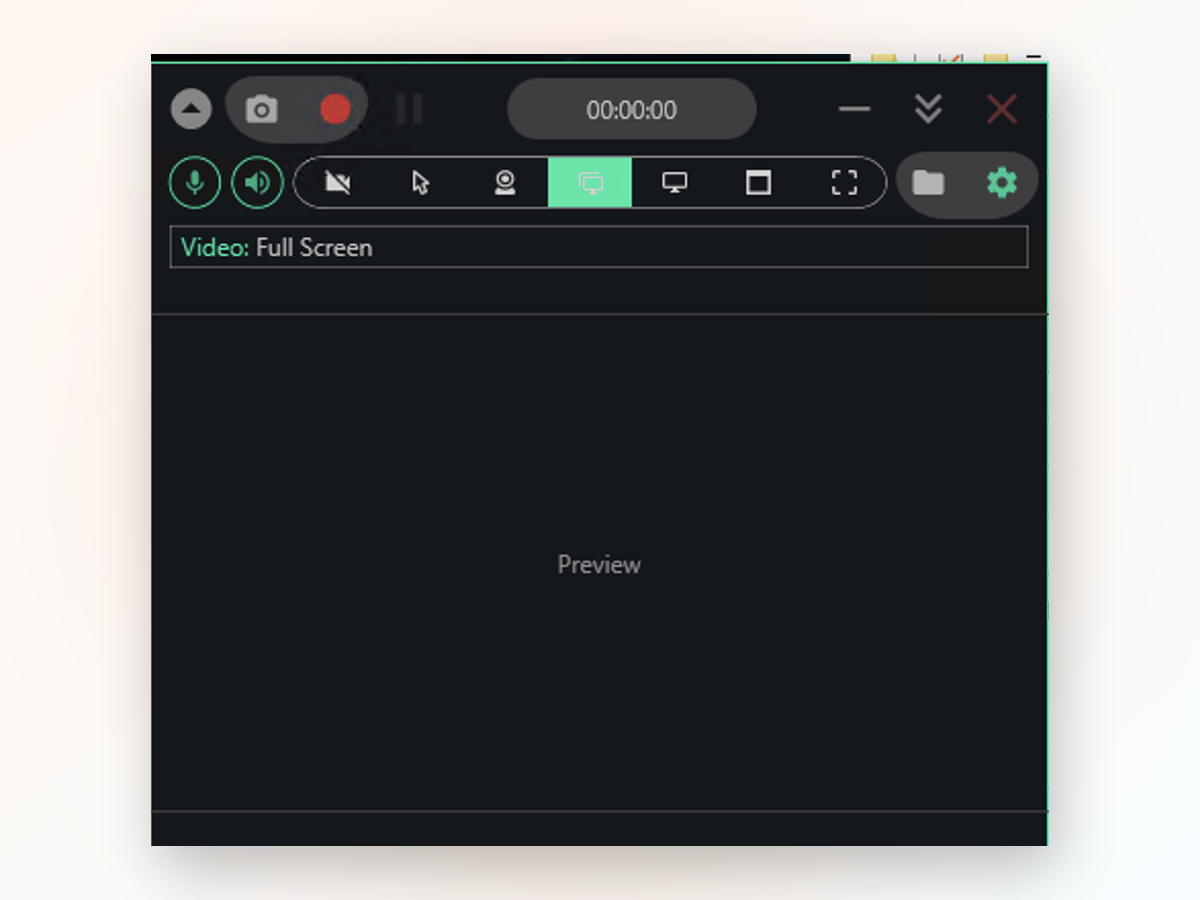
Record your screen, webcam, and audio in a single clean MP4 — no account to create, no watermark buried in the corner, no sign-in wall. Launch from a hotkey, save locally, and move on. Works on Windows 10 and 11 without needing the internet.

Every capture lands as a clean MP4 file ready to share or edit. The app records exactly what you point it at — full screen, a single window, a freehand region, or one monitor from a multi-monitor setup.
Setup takes a minute because there is no setup — just pick your source and press record.
No. Every recording is clean; nothing is stamped on the footage.
No. Launch the app and record immediately — there is no login, no profile, no sign-in wall.
Yes. Screen Recorder PC runs on Windows 10 64-bit and Windows 11, as long as .NET Framework 4.7.2 is installed — it comes preloaded on both.
Yes, as a picture-in-picture overlay on top of your screen. Turn it on in the settings before you start recording.
Yes. Microphone and system audio both go into one MP4 file; toggle each one on or off before you press record.
By default, your Videos folder under SwiftRec; the app has a button to open that folder directly.
Yes. Screen Recorder PC is open source and built on the established Captura recording engine. Windows may show a SmartScreen warning on new builds — click More info, then Run anyway.
Windows Game Bar is fast for quick clips, but it skips File Explorer, locks you into full-screen mode, and forces you into Settings to change audio behavior.
Draw a box around part of your screen, pick a single window, or stay with full screen. Game Bar won't follow a region or record File Explorer at all. Screen Recorder PC gives you the choice.
Mix your voice and system sound in the same file, or record only one. No hunting through menus to flip a setting; it's right there on the toolbar before you hit record.
Extract the folder and run it. No installer, no background services, no scattered files across your system. Move the whole thing to a USB stick if you want.
Files save to your Videos folder by default. The app never connects to the internet, so you're not waiting for a cloud sync or worrying about uploads.
Download Screen Recorder PC now and capture your first video in under a minute.
Download for Windows